
Realgrain Video
Realgrain® Video
Film grain, color simulation, halation and more — for Premiere Pro, After Effects, Final Cut Pro and DaVinci Resolve. Bring the soul of film to digital footage.
Film Grain
Natural grain that moves with every frame.
Color & Tone
Cinematic styles and straightforward color grading.
Halation & Bloom
Realistic halation and bloom for an authentic look.
What it does
Real film, full control
Grain, halation, bloom and color — each with simple, precise controls, right in your timeline.
01
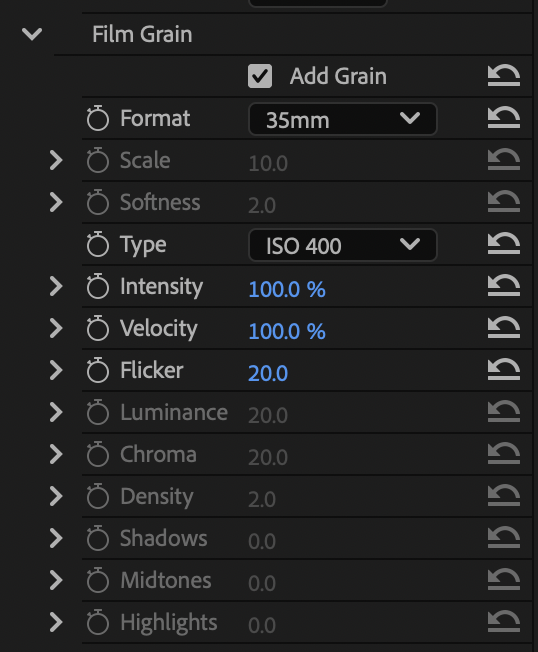
Film Grain
Real film grain simulation with full creative control — natural grain that moves with every frame.
Learn more
02
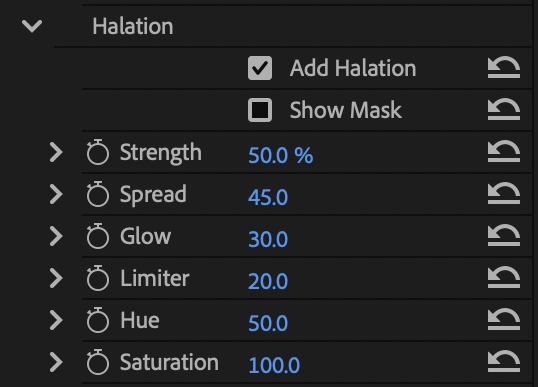
Halation
Add a cinematic look with a realistic halation effect — that warm glow bleeding from the brightest edges.
Learn more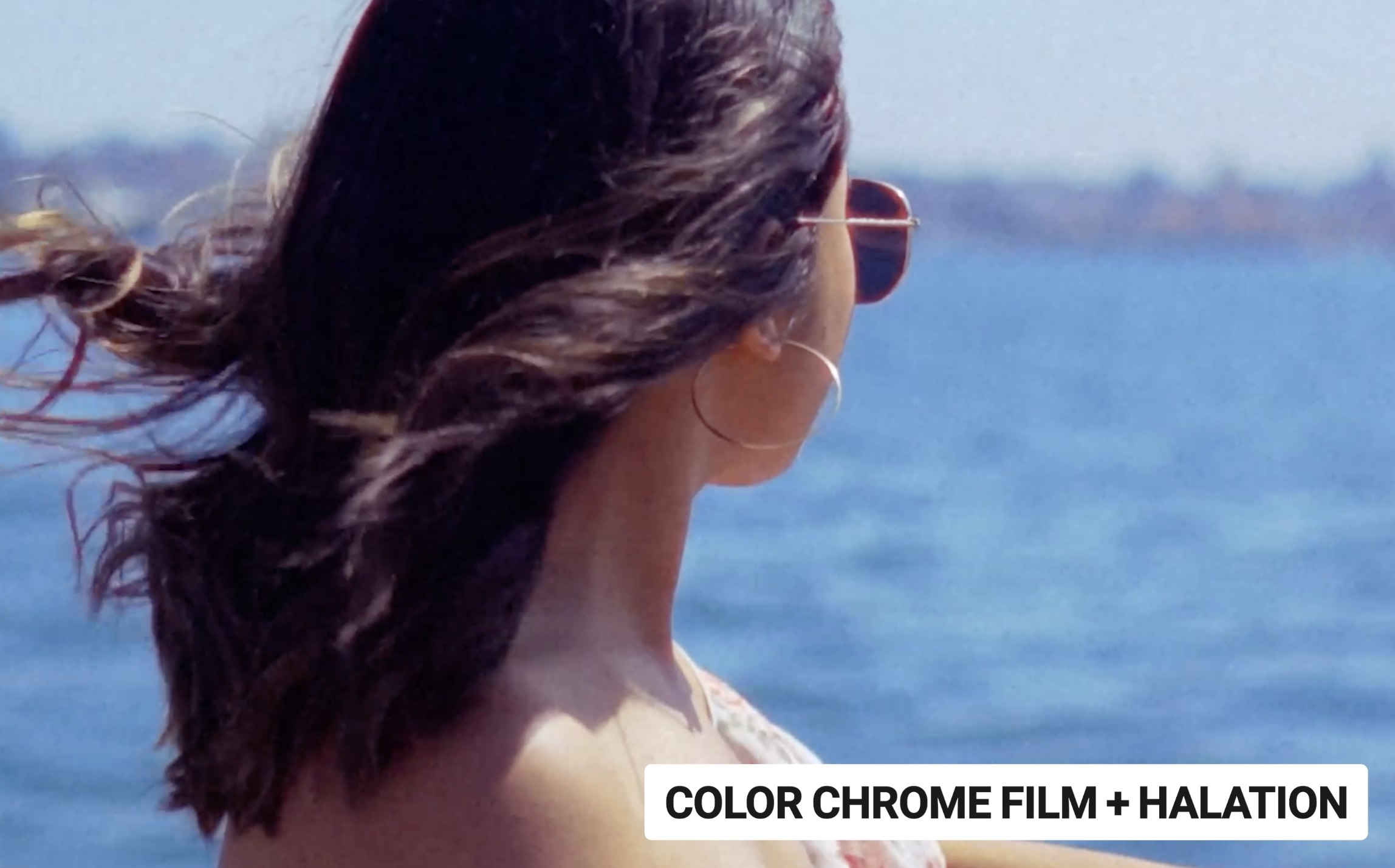
03
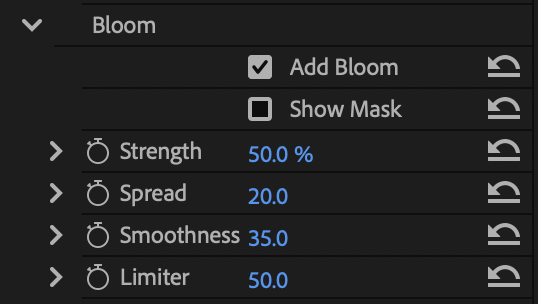
Bloom
Make every highlight pop with a soft, filmic bloom — dialed in exactly to taste.
Learn more
04
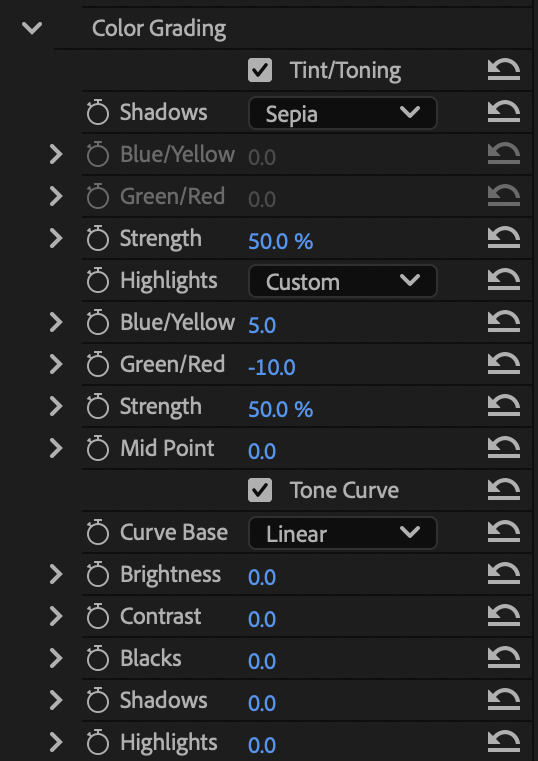
Color Grading
Easily add tint and correct color and tone with simple controls — from subtle to stylized.
Learn more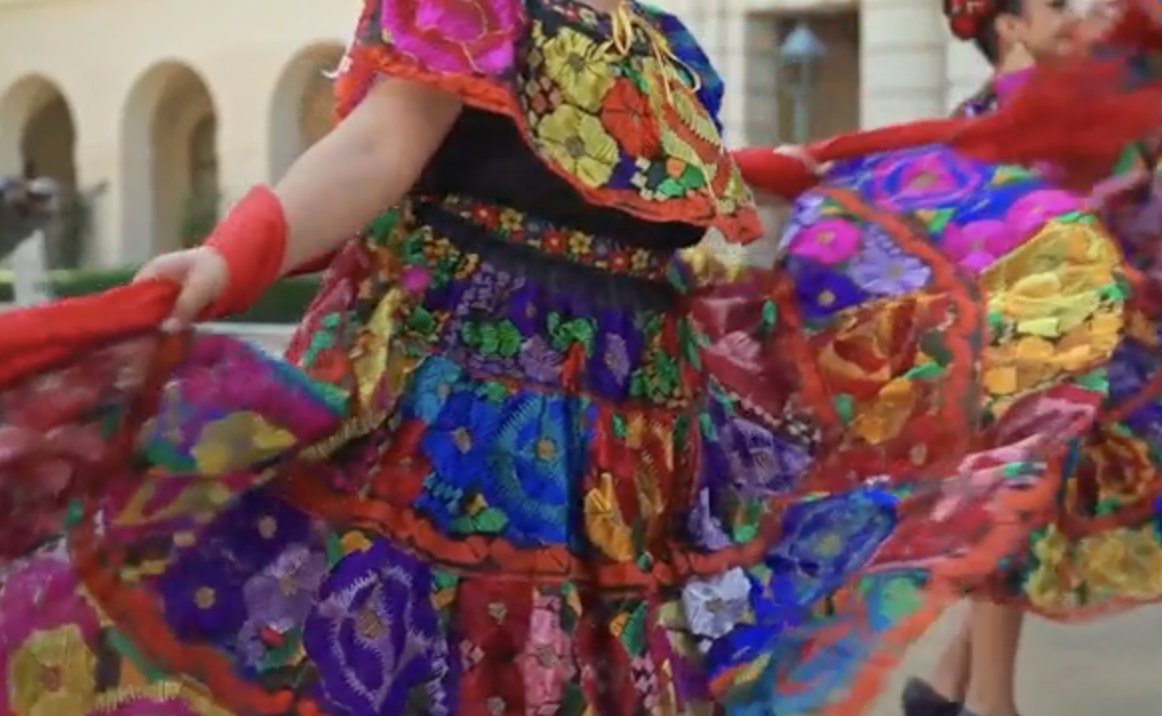
LUT solution
Grade once, export a LUT
Build your look, then export it as a LUT to reuse across shots and apps — with precision.


Use your exported LUT in Premiere Pro, After Effects, DaVinci Resolve and Final Cut Pro.
Compatibility
Works with your editor
Mac
macOS 15+
Windows
Windows 11
Hosts
Premiere Pro, After Effects, DaVinci Resolve, Final Cut Pro
Testimonials
Loved by professionals
“Our studio uses the Portraiture plugin extensively, and we love it... more importantly, our clients LOVE it too!”
 Andy MarcusProfessional photographer
“Portraiture helps me have stunningly even skin while still maintaining all of the detail. It is an essential part of my high-end beauty retouching technique.”
 Lindsay AdlerProfessional photographer
“I know more and more pro photographers who are using Portraiture in their retouching workflow because it lets you beautifully smooth skin while still maintaining important texture. They’ve got some kind of ‘secret sauce’ going on there and while I don’t know exactly what it is, I know this — it works!”
 Scott KelbyProfessional photographer